
Reports
Reporting turns order data into decisions. Every report shares the same machinery — a date range, filters, chosen columns, an export — so learning one teaches you all of them.
For the full list of what exists, see Report catalogue. This page is about how to use them.
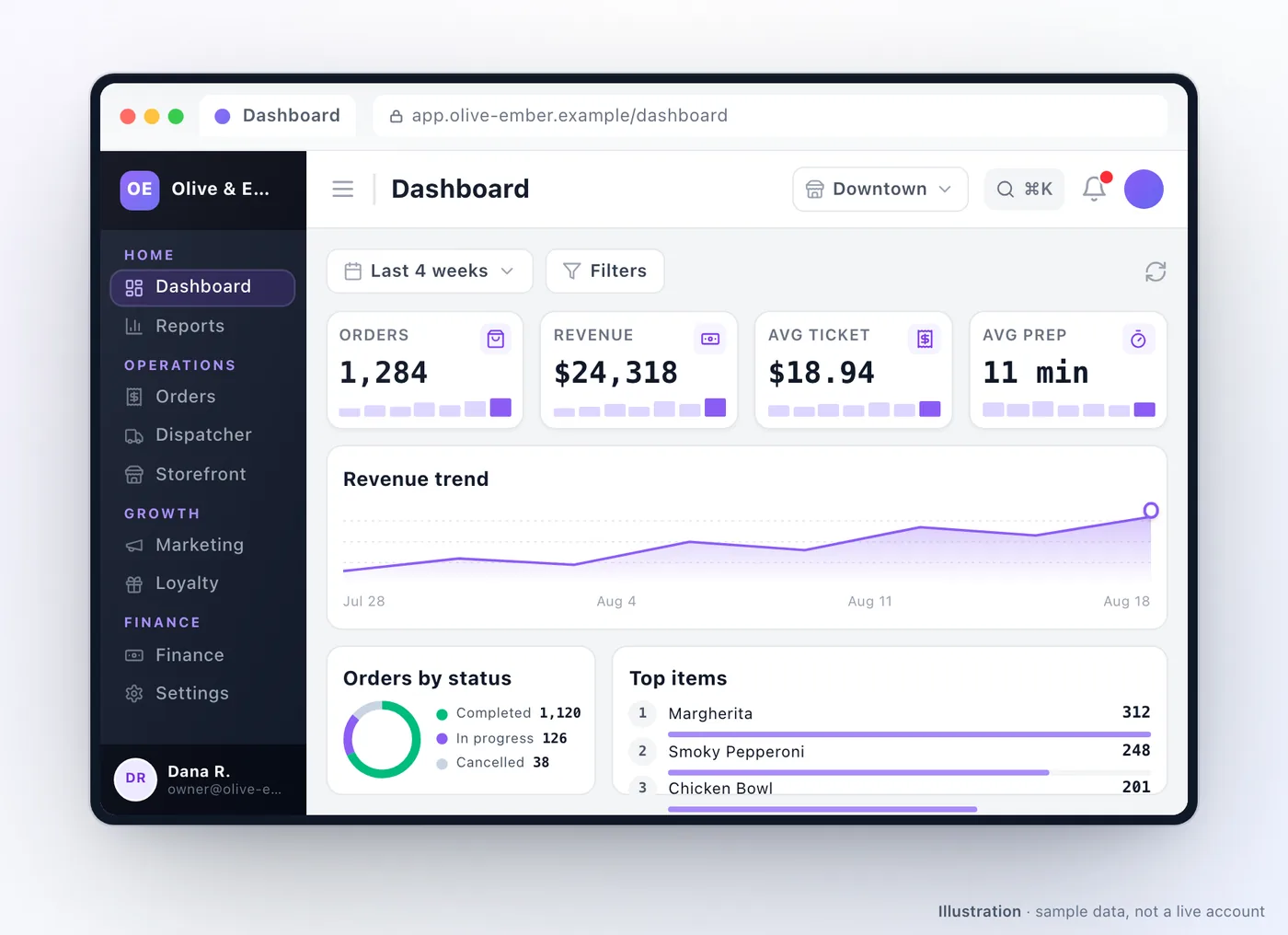
What every report shares
Section titled “What every report shares”A date range. Presets cover today, yesterday, the last 7 days, 4 weeks, 3 months and 12 months, plus month, quarter and year to date, or a custom range. The maximum span is 366 days — a longer range is refused rather than silently truncated, so pull year-on-year comparisons as two ranges.
Filters. Most reports filter by outlet, order status, payment method, order channel and amount. Filters combine, and an empty result usually means one filter too many rather than no data.
Columns you choose. Add or remove columns, and the choice is remembered per report on that browser — so the view you built is the view you come back to.
CSV export on list reports, with personal data masked in the file. That is deliberate: an export is the most likely thing to end up in an email or a shared drive.
That masking is about reports, not about your data as a whole. Your customer records are yours, and a full unmasked export of them is available from your account team whenever you need one — including when you are leaving. The two exist for different jobs: a report is for reading and sharing, a full export is for taking your business somewhere else.
Which report answers which question
Section titled “Which report answers which question”| Question | Report |
|---|---|
| What did we sell, and when? | Order List, Order Summation |
| Which dishes actually move? | Item Wise |
| Which outlet is performing? | Outlet Wise |
| What do we owe in tax? | Tax Wise |
| Which payment methods do customers use? | Payment Wise |
| Who are our best customers? | Top Customers, Customer List |
| Is our customer base healthy? | Segmentation Analytics — see Customer segments |
| What is loyalty costing us? | Reward Liability, Membership Aggregate |
| What do we owe outlets and drivers? | Settlement Balance |
| Are refunds piling up? | Pending Refunds, Aging Pending Refunds |
| Why are orders being cancelled? | Cancellation Summary, Cancellation List |
| Are our campaigns paying for themselves? | Campaign Performance, ROI Deep Dive |
| Is dispatch working? | Auto-Dispatch Analytics, Delivery Network |
Who sees what
Section titled “Who sees what”Admins and co-admins see everything. Other roles see reports scoped to what they
own: an outlet owner sees their own outlet.
Each outlet also has a report view from inside it, at
/outlet/manage/:outletID/outlet-reports.
A reporting routine that works
Section titled “A reporting routine that works”- Daily: Order List for yesterday — catches a payment problem or a spike in cancellations while it still matters.
- Weekly: Item Wise and Pending Refunds. One tells you what to promote and what to cut; the other is a support ticket that has not been raised yet.
- Monthly: Segmentation Analytics, Reward Liability, and settlements. These move slowly and are the ones that hurt if left unwatched.
- Quarterly: campaign performance and referrals, against what you spent.
Troubleshooting
Section titled “Troubleshooting”| Symptom | Cause |
|---|---|
| A report you expected is not in the menu | Its module is not enabled for your account |
| A date range is refused | The span exceeds 366 days |
| The report is empty | Usually one filter too many — clear them and add back one at a time |
| Totals disagree with your gateway | Cancelled and failed orders are excluded from sales; refunds land in their own reports |
| An export has blanks where names should be | Personal data is masked in report exports by design — ask your account team for a full unmasked export |
| Numbers differ from a outlet’s own view | The outlet view is scoped to that outlet; the main reports are not |
Related: Report catalogue · Customer segments · Earnings & settlements · Modules & system
Was this page helpful?
This site uses a chat widget that sets a cookie so it can keep your conversation, and with your consent it measures page traffic. See the privacy policy.